


 Payroll







Client Self-Service Shift Booking
Self-Service Shift Requests
Empower clients to create and manage their own shift requests through their client portal. They can add bookings whenever they need them, reducing calls, emails and administration while giving your consultants more time to focus on filling shifts instead of taking bookings.
Each request sets the location, the role and the number of candidates needed, and your agency keeps complete visibility of every request in Mobile Rocket’s shift booking software.

Clients Fill Their Own Shifts
Allow clients to fill shifts themselves using a pool of agency-approved candidates. They can see who’s available, invite workers to book onto shifts, or instantly confirm suitable candidates, giving them greater control while your agency retains ownership of the workforce.
Candidates update their availability in your branded app, and the pool only holds candidates your agency has approved who are fully compliant.

Agency Controlled, Client Powered
Decide exactly which candidates each client can access, along with the roles, locations and booking window they’re permitted to use. Every self-service booking follows the rules you define, giving clients the flexibility they want without compromising compliance, quality or agency control.
The booking window sets how far ahead each client can book. Approval workflows can be added where your agency wants to approve bookings first.

How Client Self-Service Works
Your agency sets the rules once. From then on, clients book their own shifts within them.
- Set the rules: Choose which approved candidates each client can see, and the roles, locations and booking window they can use.
- The client adds a shift request: In their own portal, the client sets the location, the role and the number of candidates needed, whenever they need cover.
- The client fills the shift: They see who is available, invite candidates to book onto the shift or confirm a suitable candidate straight away, within your approval workflows.
- Your agency covers any gaps: Consultants drag open shifts to available candidates in the Shift Manager calendar, or use Quick Fill to ask suitable candidates if they are free.

From Booking to Timesheet and Invoice
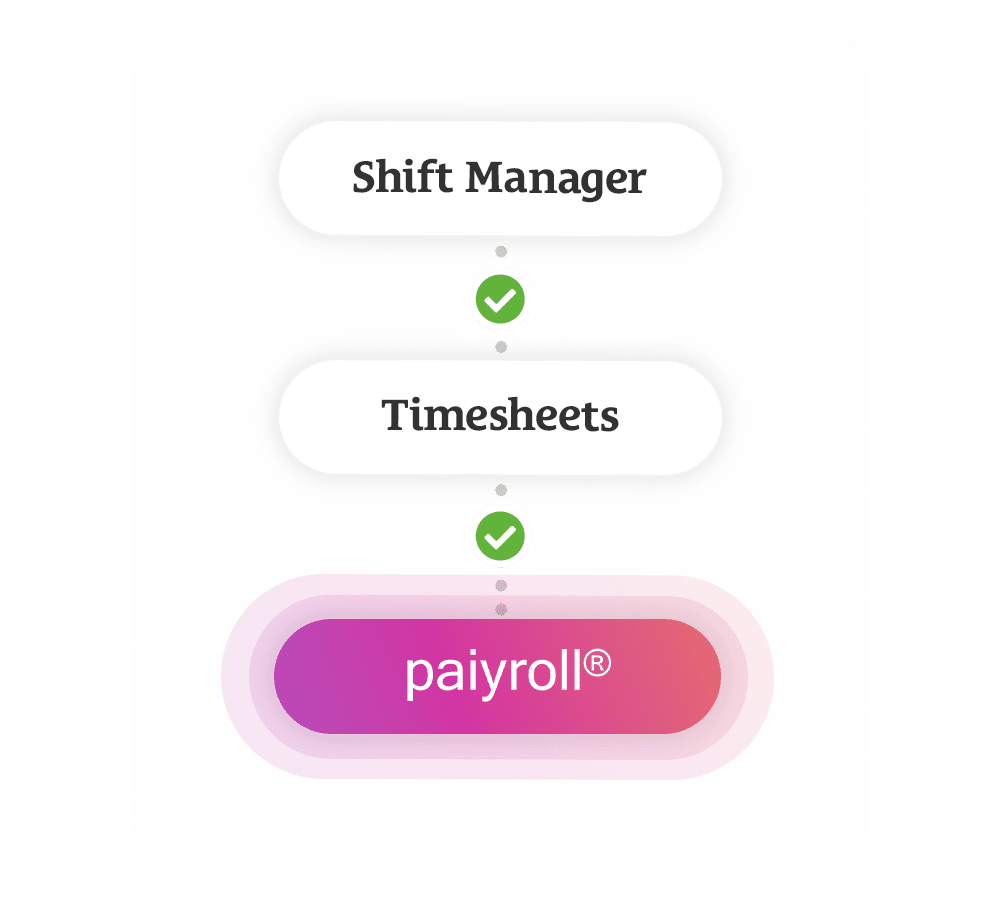
Shift Manager links to Mobile Rocket’s online timesheets, so a shift booked by a client carries through to pay and billing without re-keying.
- Clock in and out: Candidates clock in, clock out and log breaks on their smartphone, so there are no paper timesheets.
- Client sign-off: The client receives a copy of each timesheet and approves it in seconds.
- Payroll and invoices: Approved hours flow into payroll, and the Xero integration turns approved timesheets into draft invoices.
- Weekly shift reports: Filter shift reports by client or department to see total charge, total margin and average shift duration for the week.
Join 2,000+ Consultants Who Use Us Every Day






Discover the Other Features of Shift Manager


Client Self-Service Shift Booking FAQs
What is client self-service shift booking?
Client self-service shift booking lets an agency’s clients create shift requests and fill them from candidates the agency has approved, through their own secure client portal. In Mobile Rocket it is part of Shift Manager, and every booking follows the candidates, roles, locations and booking window the agency allows for that client.
Which candidates can a client book?
Only the candidates the agency chooses for that client. The pool holds agency-approved, fully compliant candidates, and Mobile Rocket’s compliance tools let the agency set requirements per role, so only candidates who meet them can be placed. The agency also limits each client to the roles and locations it permits.
Does the agency keep control of its workers?
Yes. Your agency decides which candidates each client can access and which roles and locations they can book, and it keeps ownership of the workforce. Rules and approval workflows apply to every self-service booking, so clients get flexibility without the agency giving up control of quality or compliance.
How do candidates hear about a shift?
Through the agency’s branded app. Candidates keep their availability up to date in the app, receive a shift breakdown on their smartphone that they can accept, and get push notifications about new shifts. When a client invites candidates to book onto a shift, everyone invited is already approved for that client.
Can clients book shifts at any time?
Yes. Clients can add shift requests whenever they need them, so a booking does not have to wait for a call or an email to the agency. Each request stays within the booking window the agency sets for that client, and only candidates approved for that client can be booked.
All-in-one shift management to save time & place more candidates
Call us on +44 (0)1325 633 287 or email sales@mobilerocket.co.uk