


 Payroll







Worker Availability Software for Temp Agencies
Your temps set the days and hours they can work in your agency’s branded app, so consultants fill shifts with people who are free.
Candidates Update Their Own Availability
Candidates are able to update their availability calendar with the days and times they are available for work directly in the app. This gives flexibility for both recruiter and candidates on when shifts can be filled. They can set the shift patterns they work and mark any day as available or unavailable, whenever suits them, even outside your office hours. Consultants see each change in Mobile Rocket straight away. Talk to us about our candidate availability tracker today!

See Who is Free Before You Book a Shift
Availability feeds straight into the shift manager calendar, so consultants can filter by who is free before they assign anyone. Drag open shifts onto available candidates whose skills match the role, and check each candidate’s compliance status at a glance, so you only book people who can work and are cleared to. Fewer calls, fewer spreadsheets and more time placing candidates.

Automatic Weekly Availability Reminders
Automatically remind your candidates to complete their availability for the week on a date of your choosing. Save time chasing candidates to provide their hours for the next week with a push message timed when you know it will have the most impact.
The reminder arrives on each candidate’s phone through your branded app, so you start the week knowing who can work. Unlimited push notifications are included.

How Worker Availability Turns into Booked Shifts
Availability is the first step in filling a shift, not a separate calendar. In Mobile Rocket it moves from the candidate’s phone to a confirmed booking in four steps.
- Candidates set their availability. Temps mark the days, hours and shift patterns they can work in your branded app.
- Find who fits. Filter the shift manager calendar by availability, location, role and shift type, or let Rocket AI rank candidates on availability, compliance, skills and location.
- Assign one or many. Drag a candidate onto an open shift, or bulk assign several shifts to available candidates in one action.
- Candidates accept. Booked candidates get an instant push notification and a shift breakdown on their phone, which they accept in the app.
Clients can also book from your available, agency-approved candidates in their client portal, within the rules your agency sets.

Find Cover When a Worker Drops Out
When a temp cancels or a client needs extra staff at short notice, availability shows you who can step in.
- Quick Fill Shifts. Ask candidates straight away whether they are available to fill the role, and send the push notification only to people who have worked for that client before or have the right skills.
- Ask Rocket AI. Type a request such as ‘Give me the best candidates for the Amazon shift on the 28th of May’. Rocket AI checks availability, suitability and previous site history, then shows the strongest options for you to approve.

From Availability to Timesheets, Payroll and Invoices
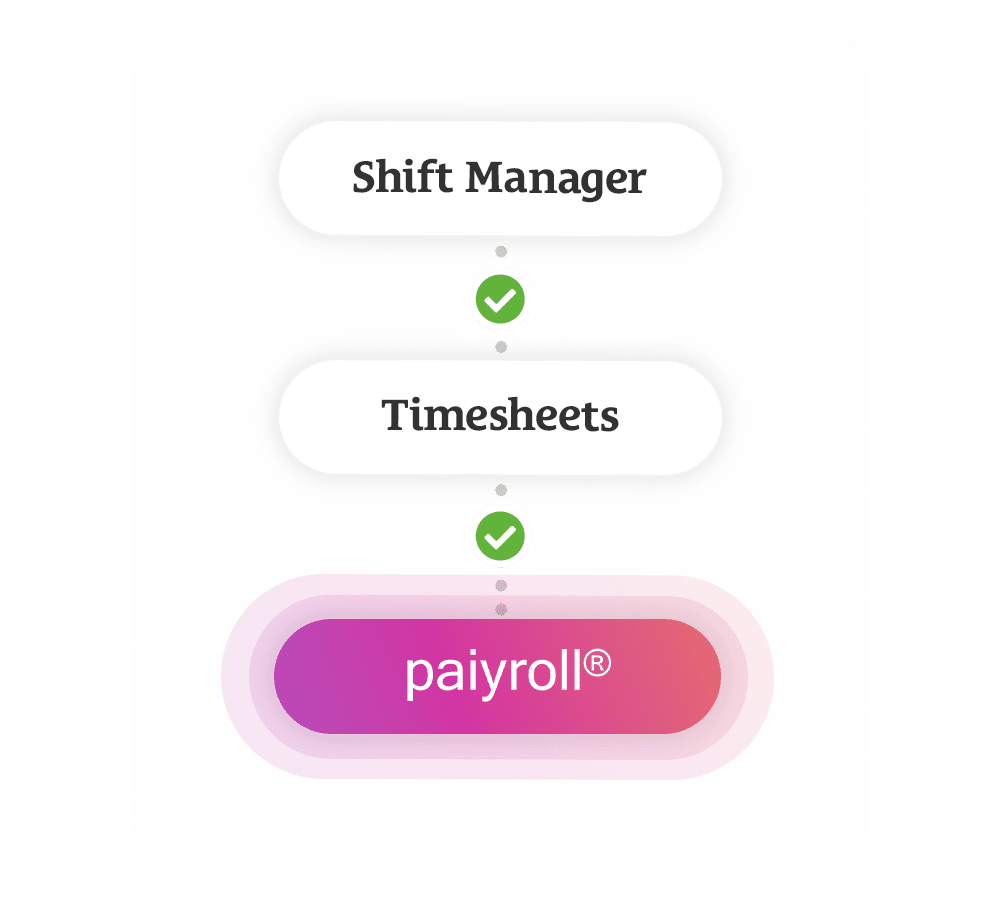
Shifts booked from availability flow straight into Mobile Rocket’s online timesheets. Candidates log their hours in the app, with location, photo and signature options, and clients approve them online. Approved hours then become payroll-ready data in Paiyroll and draft invoices in Xero, so nothing is re-keyed between booking and pay. See how payroll and invoicing work in Mobile Rocket. Shift reports show the total charge, total margin and average shift duration for the week, by client, candidate or department.
Join 2,000+ Consultants Who Use Us Every Day






Discover the Other Features of App


Worker Availability Software FAQs
What is worker availability software?
Worker availability software records when each worker can and cannot work, so shifts go to people who are free. Mobile Rocket’s version is built for temp recruitment agencies: candidates set their available days, hours and shift patterns in the agency’s branded app, and consultants use that availability in the shift manager calendar when they fill client shifts.
Is worker availability software the same as staff rota software?
Not quite. Staff rota software is built for employers planning shifts for their own teams. Mobile Rocket is built for recruitment agencies that supply temps to many clients, so availability sits beside compliance, client shift requests, timesheets and payroll in one platform. See how agencies book and fill those shifts with Mobile Rocket’s shift booking software.
How do candidates update their availability?
Candidates open your agency’s branded app and set the days, hours and shift patterns they can work, marking each day as available or unavailable. They can do it whenever suits them, including outside your office hours, and consultants see the change in Mobile Rocket straight away when they filter the shift manager calendar.
Can candidates be reminded to update their availability?
Yes. Choose a day and Mobile Rocket automatically sends your candidates a push notification asking them to complete their availability for the following week. You can time it for when you know it will have the most impact, and send one-to-one push messages to individual candidates too. Unlimited push notifications are included.
Can clients see which workers are available?
Yes, if your agency allows it. In their client portal, clients can see who is available from a pool of agency-approved candidates, invite workers to book onto shifts or confirm suitable candidates straight away. Your agency decides which candidates, roles, locations and booking window each client can use, so every booking follows your rules.
How much does Mobile Rocket's worker availability software cost?
Candidate availability is part of the Mobile Rocket app, which is included in the Starter, Growth and Scale plans alongside Shift Manager, Timesheets and the CRM. There is usually a small one-off onboarding fee that covers setting up your branded app, then a monthly subscription with UK-based support and training included. A free trial is available. Compare the plans.
Manage all your candidates in one simple app system to save time!
Call us on +44 (0)1325 633 287 or email sales@mobilerocket.co.uk